Create PowerSchool Access Account
Preparation
Contact the school
Ask for the “Access ID” and “Access Password” for each of your children.
How to Create a PowerSchool Parent Access Account
Go to Minidoka School District's Parent PowerSchool page
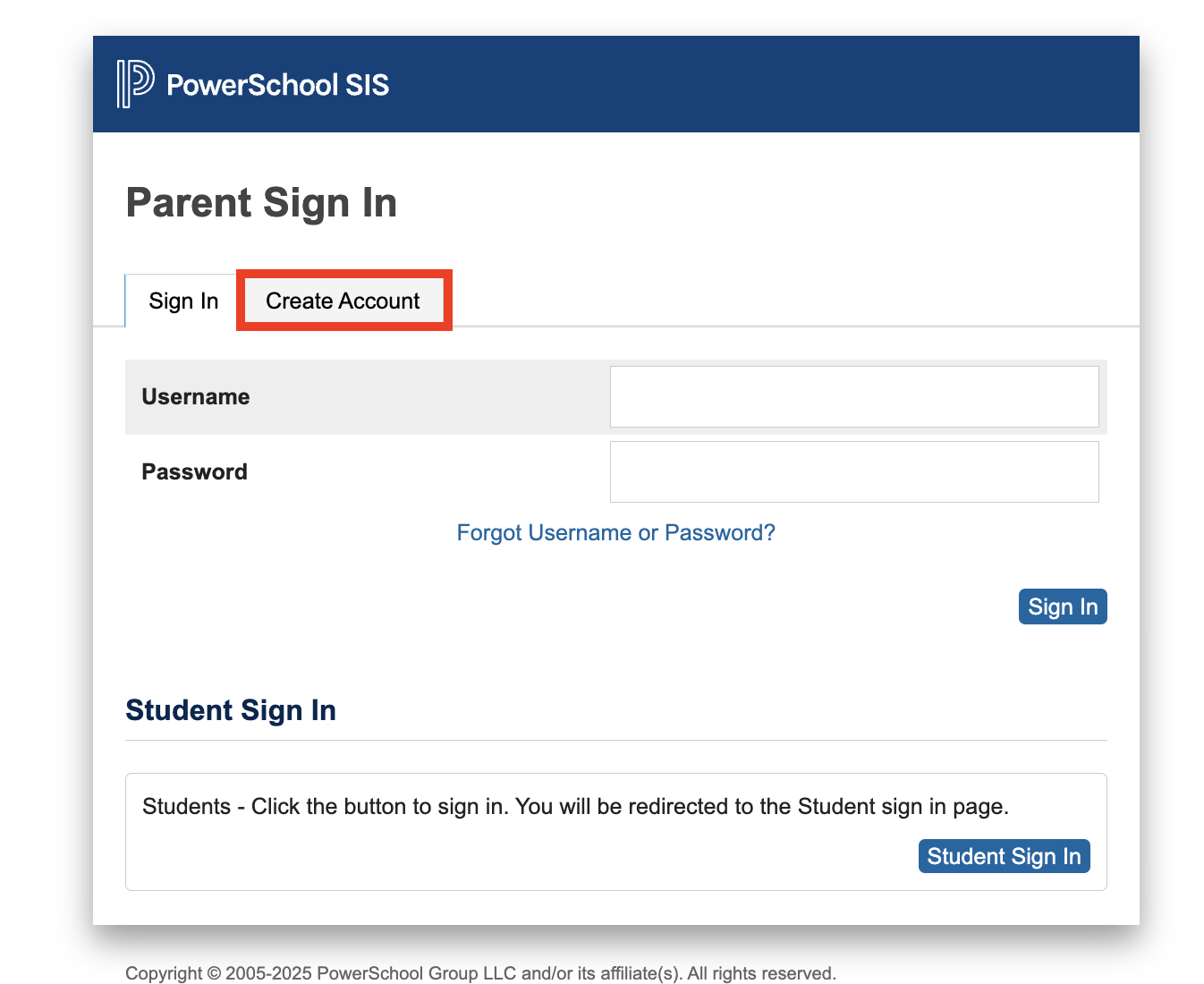
Click the “Create Account” tab.
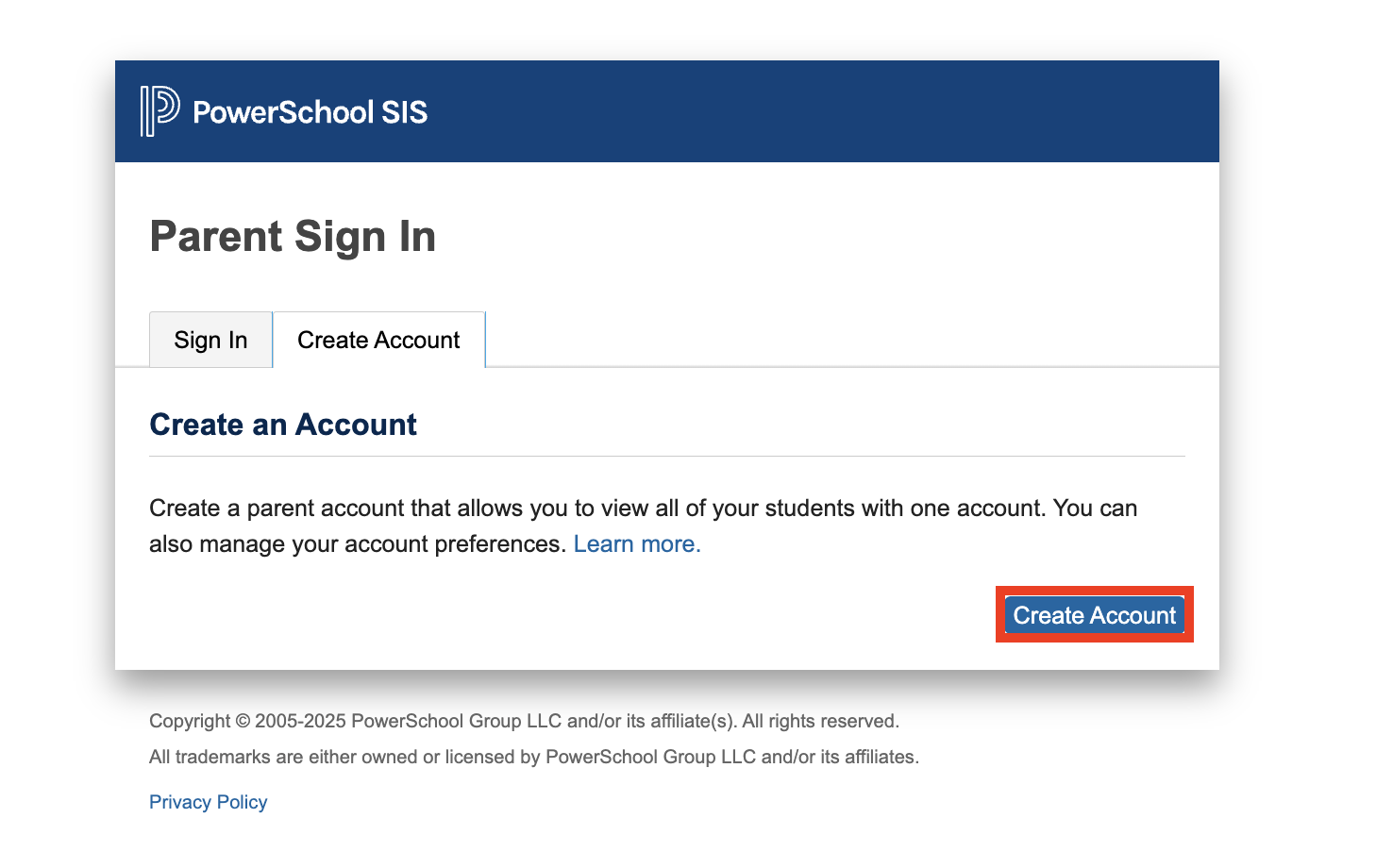
Click the “Create Account” button (lower right).
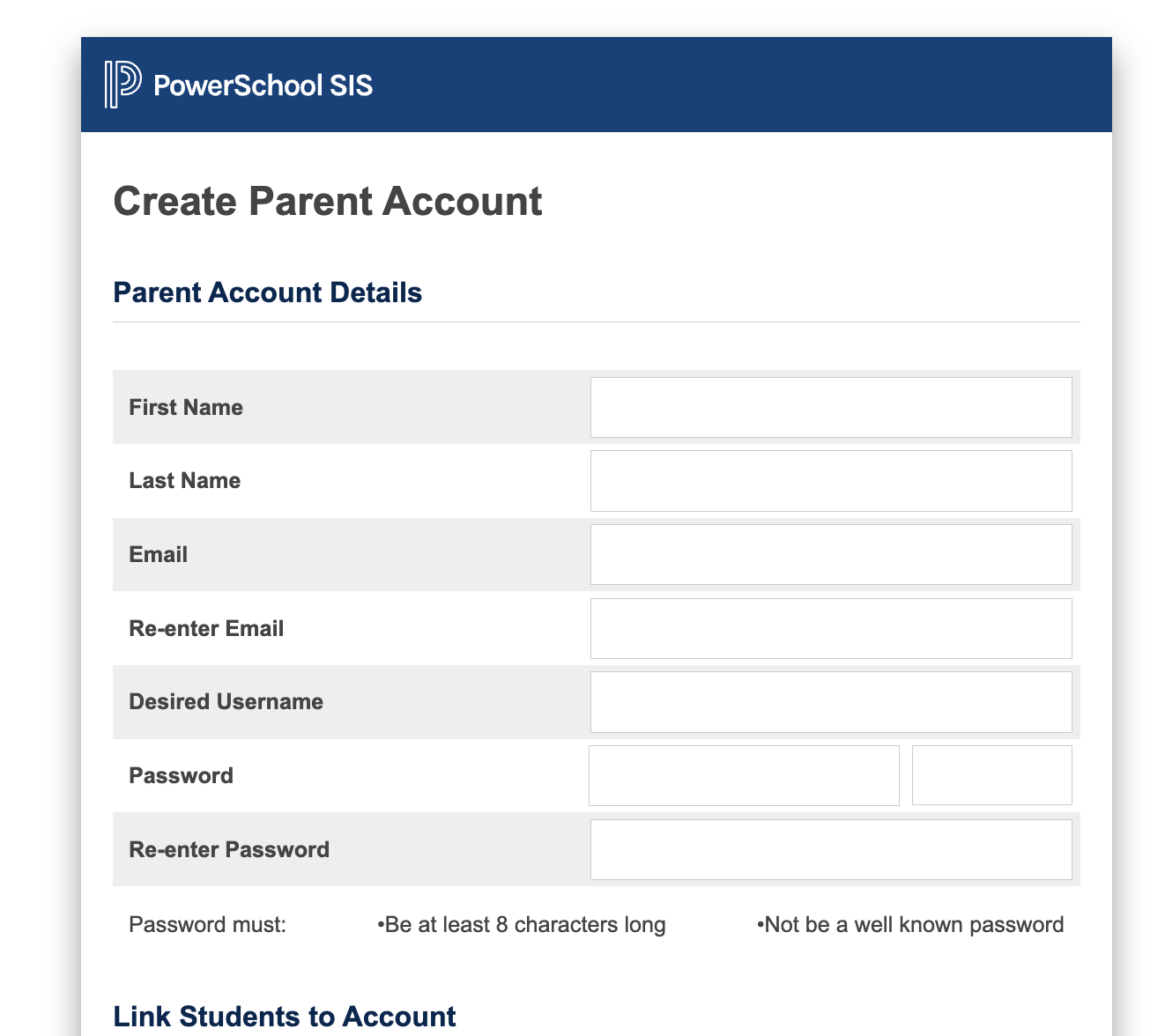
Enter your “First Name” and “Last Name”.
Enter your email address (as the account contact and the default for notifications).
Enter a username (chosen by you).
Enter a password (also chosen by you).
Enter the password a second time.
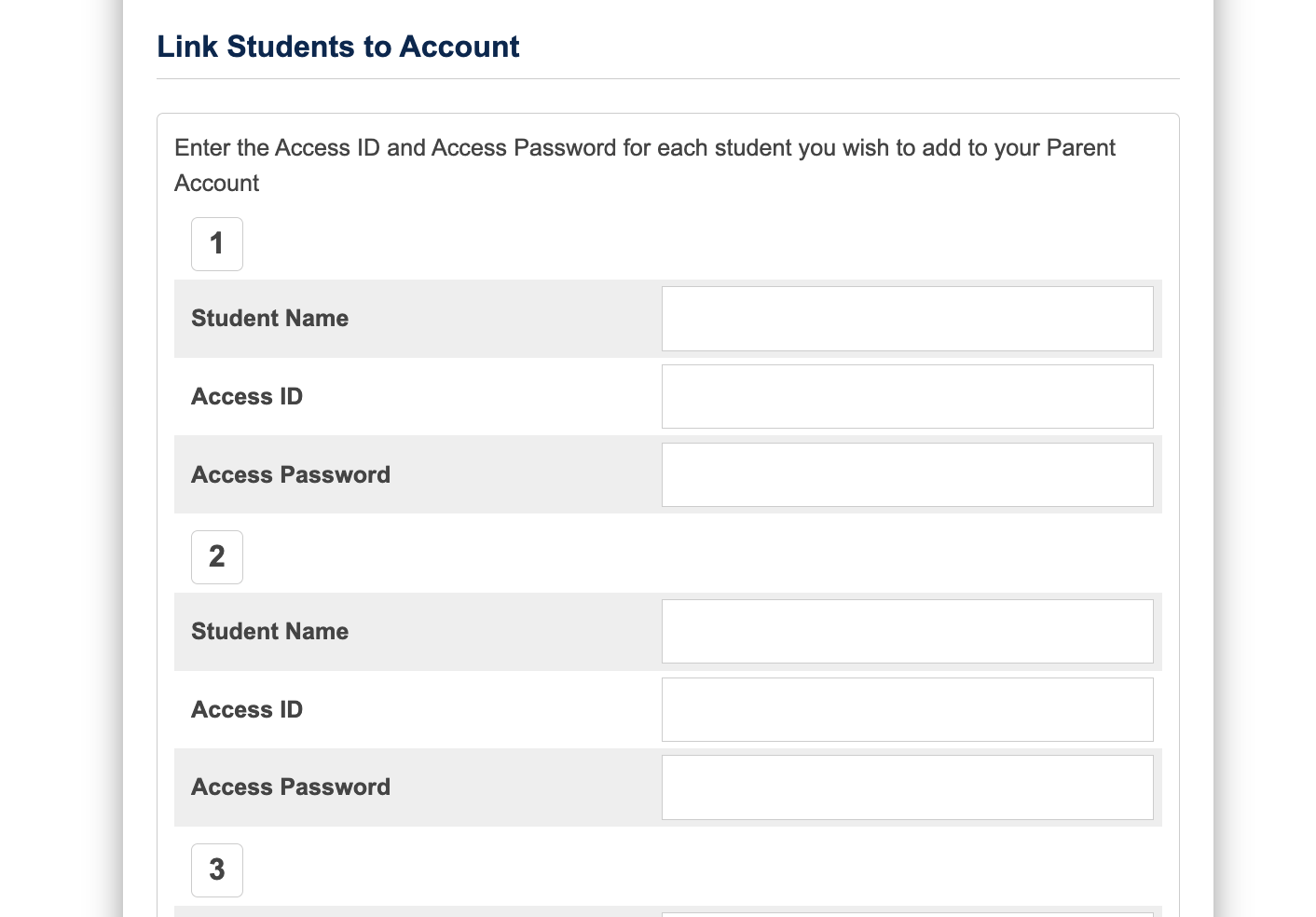
Under “Link Students to Account”, enter the following for each of your children:
Student Name (e.g. Will Jones)
Access ID (e.g. Jones5D8)
Access Password (e.g. U4FP21)
Relationship (menu) (e.g. Mother)
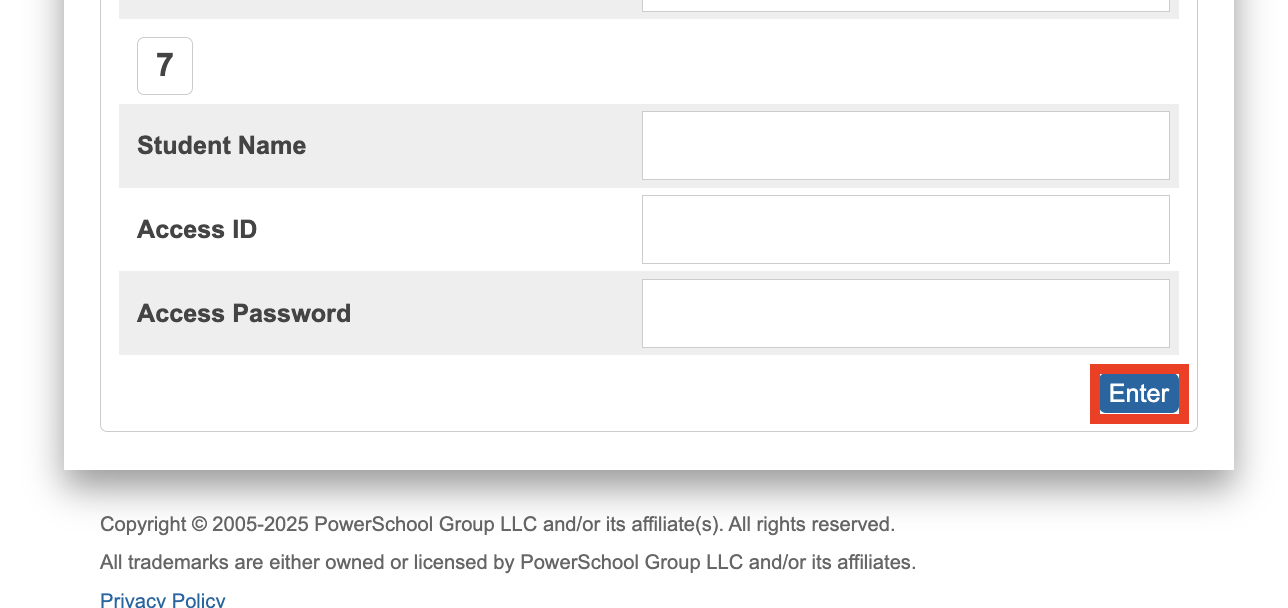
Click “Enter” button (bottom, right). If successful, you will be returned to the login screen.